

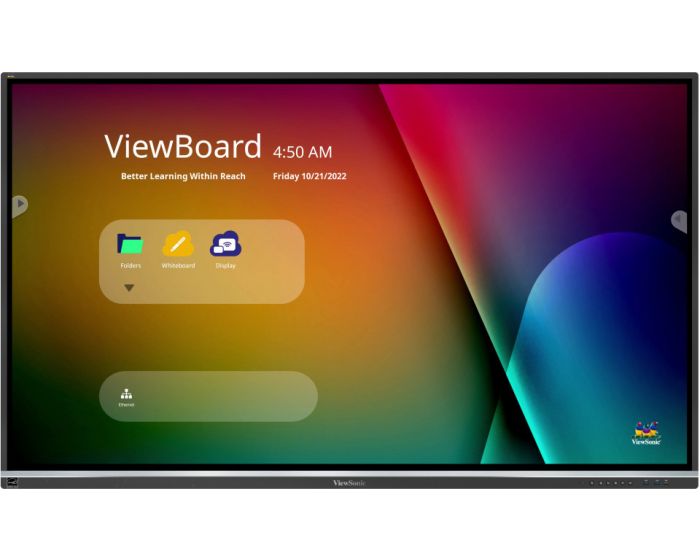
ViewSonic IFP5550-5 55" Touch Screen
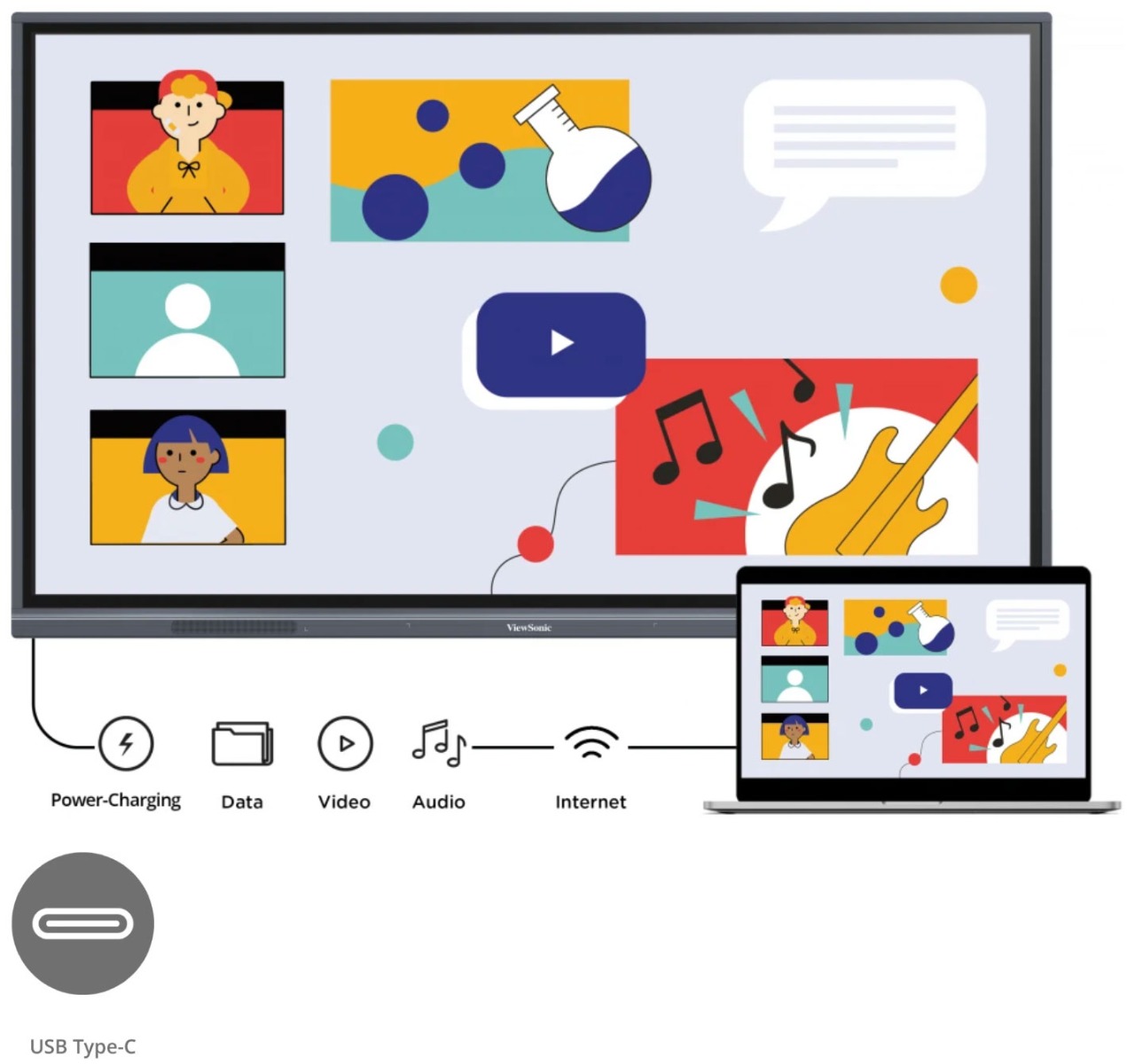
Designed with modern educators in mind, the ViewBoard® 50-5 Series offers an intuitive and interactive interface for a multi-user writing experience. With a single-cable USB-C for instant, worry-free connectivity, teachers can seamlessly plug-in and control their devices while continuing the lesson. Both students and educators enjoy smooth writing with Ultra Fine Touch Technology offering 40-point touch, and the dual-pen that comes in a range of colors and sizes. Rest assured you and your students' eyes are cared for and protected as the ViewBoard® 50-5 Series comes with Flicker-Free technology and an integrated TÜV certified blue light filter for all brightness levels. Fully integrated with the myViewBoard suite, the ViewBoard® 50-5 Series brings together hardware and software for a complete classroom solution. Compatible with a full line of accessories, the ViewBoard® 50-5 Series enables you to effectively teach with a variety of engaging tools.



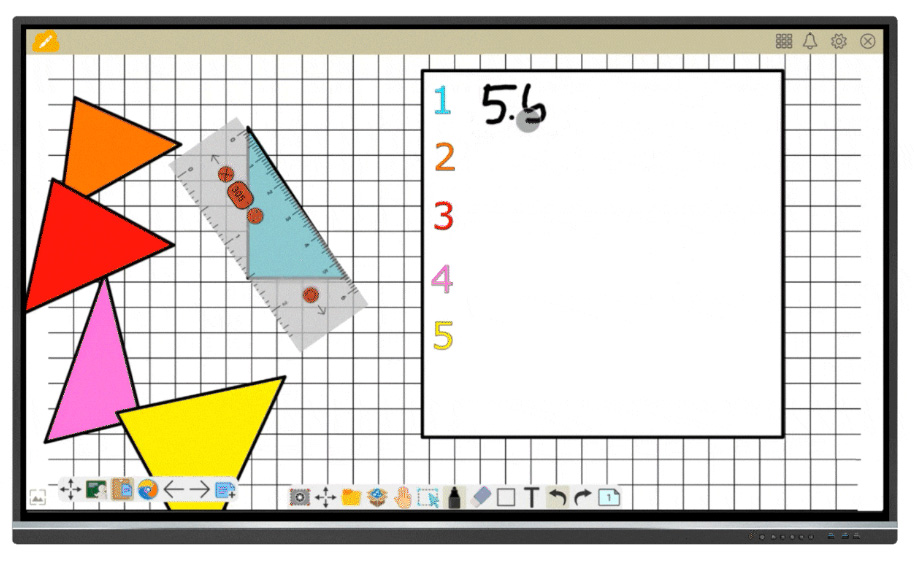 |
Teach your Way with myViewBoard Whiteboard Fully integrated with the myViewBoard suite and compatible across platforms, the ViewBoard empowers you to make the most of classroom time. Enjoy tailor-made tools, like pop quizzes, an immersive reader, digital spinners, and timers, for effortless lesson planning and activities no matter if you're teaching in the classroom or online. Students can use the ViewBoard which is split into up to six mini whiteboards, for enhanced learning through doing. Disclaimer: *The mini whiteboard features in Participate Mode is available on WhiteBoard for Windows. |
|
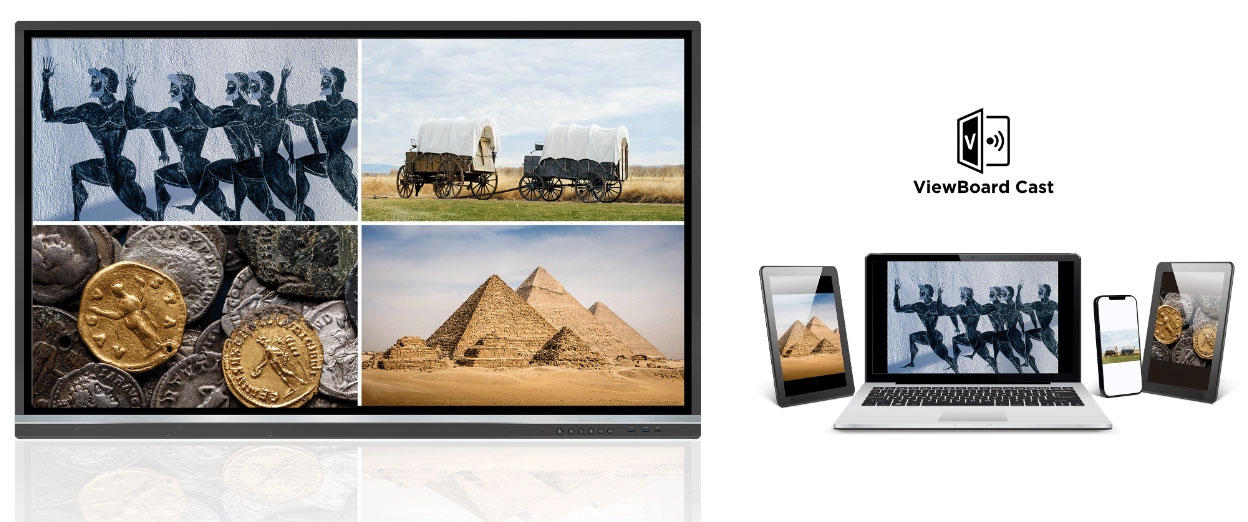
Quick Content Sharing for Multiple Attendees Make the most of your time in class and during staff meetings with ViewBoard Cast. This screen mirroring solution opens new sharing possibilities from any device with its split, extended, and grouped screen capabilities. As it also supports AirPlay and Chromecast, users can effortlessly share their screens at the same time. |
 |
 |
Efficient Remote Communication and Management Update, schedule, broadcast, and manage multiple displays simultaneously from any location via a secure, user-friendly remote management system. Streamline campus communication with multimedia messages, share text announcements, or set up emergency alarms. All thanks to myViewBoard Manager. Disclaimer: *Task scheduling and multimedia broadcast are available with the optional Manager Advanced license |
|
Performance and Safety with the Latest OS Enjoy powerful performance delivered by the ViewBoard 50-5 Series’ octa-core CPU, while ensuring all your data is safely protected with the Android 11 OS. This latest version is also compatible with more third-party apps, so you can access all your favorite services within a familiar environment. *Upgradeable to Android 13 |
 |
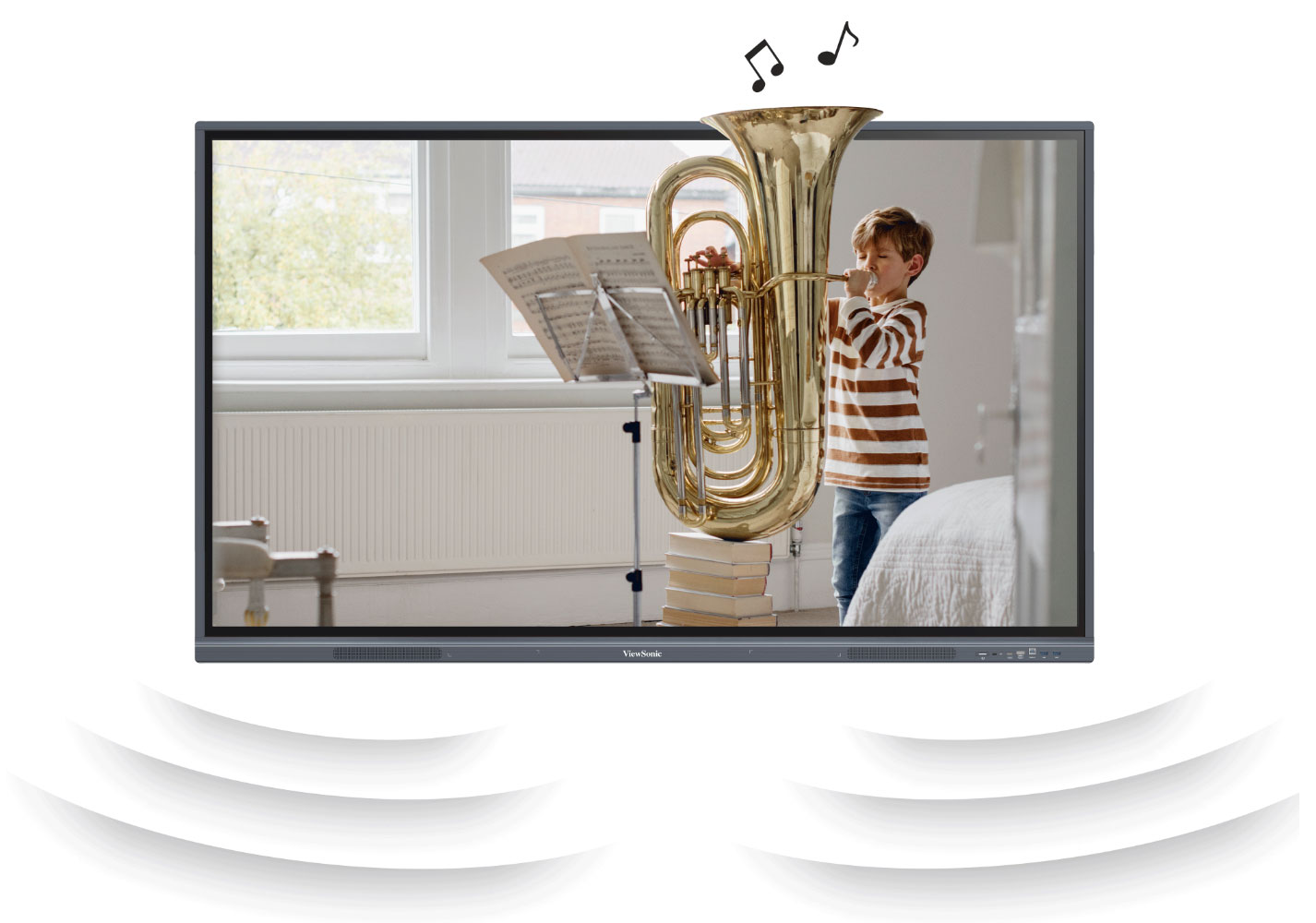 |
Immersive Audio for Captivating Lessons Boost student engagement and information retention thanks to immersive sound. Boasting two 15W speakers and a 16W subwoofer, the ViewBoard 50-5 Series magnifies music and videos with sound in unparalleled quality. |
|
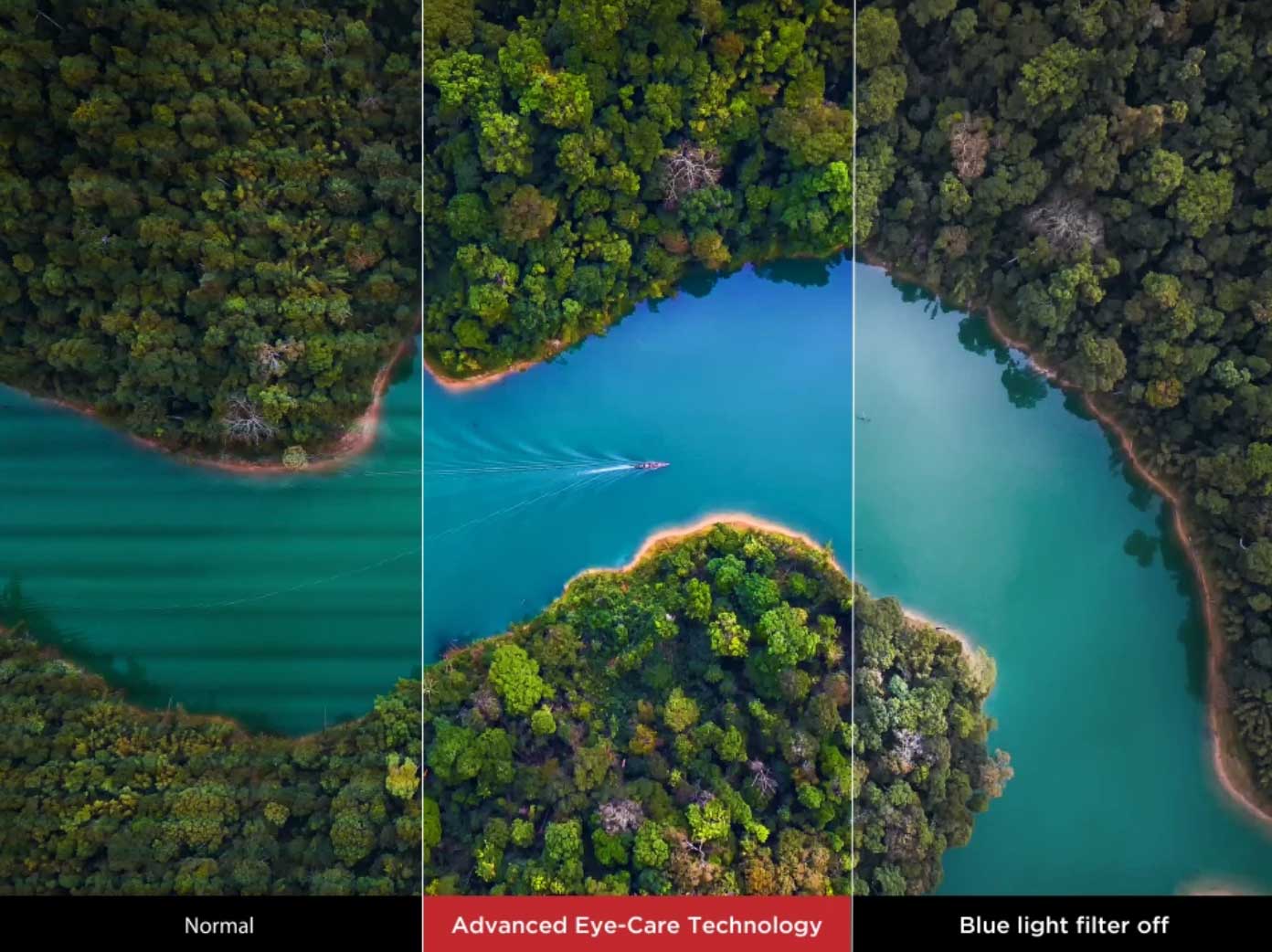
Easy on the Eyes The ViewBoard® 50-5 Series employs the latest technology to safeguard the eyes of both children and adults, while not compromising on the high-quality visual experience. Flicker-Free Technology, TÜV-certified low blue light, and anti-glare coating work together to provide safe and comfortable use, all day long. |
 |
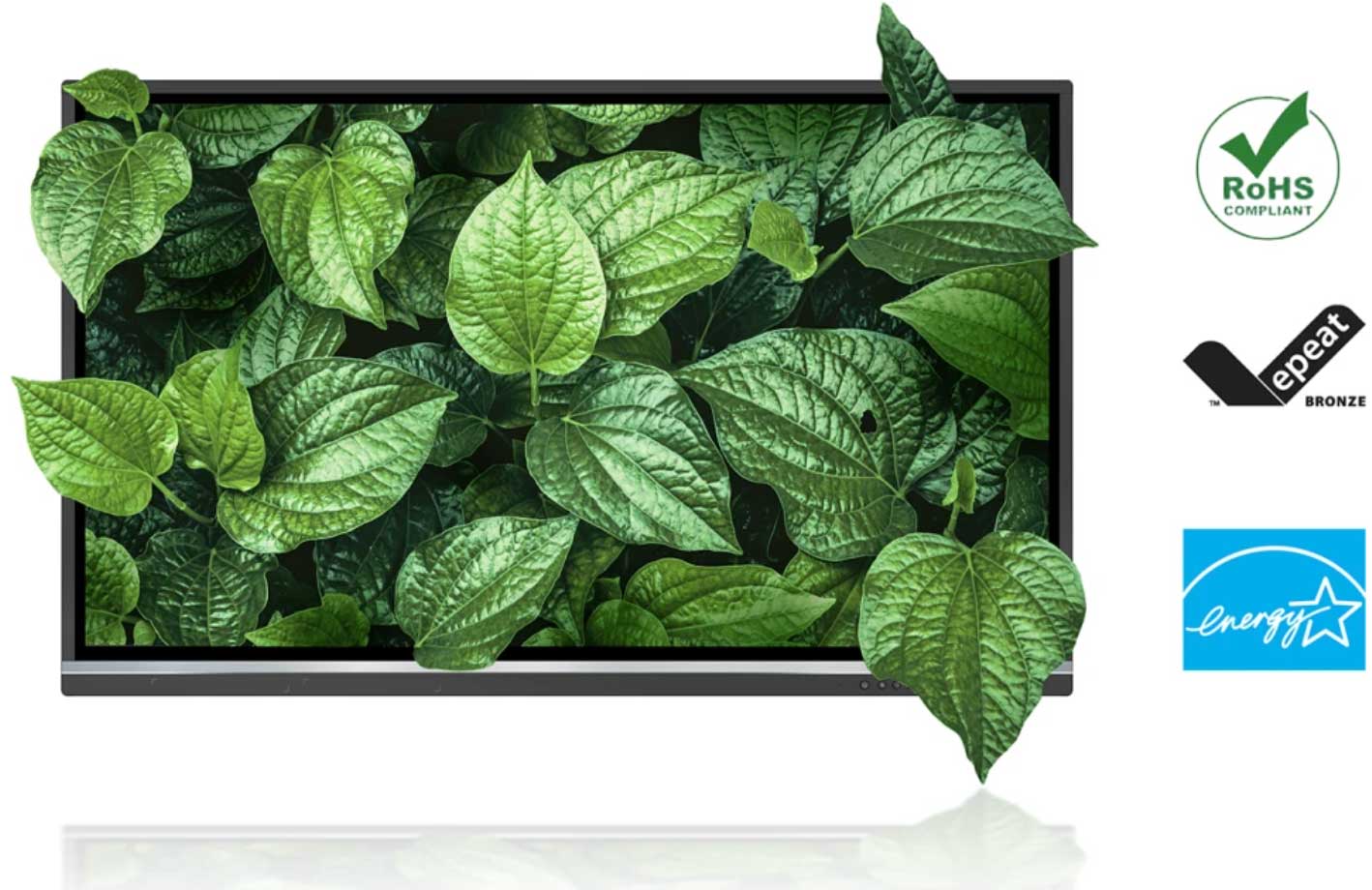 |
Grow Green Committed to sustainability, ViewSonic is actively working to implement advanced energy efficiencies and eco-friendly concepts across product lines. The ViewBoard 50-5 Series meets energy consumption standards, is attentive to supply chain carbon emissions, and end-of-life management. It is also EPEAT bronze certified, making it a great environmentally friendly product. |
| Item | IFP5550-5 |
|---|---|
| Brand | ViewSonic |
| Weight (kg) | 26.400000 |
| Condition | New |
| EAN | 0766907019698 |
| Diagonal in Inches | 55 |
| Aspect Ratio | 16:9 |
| Built-in PC | Optional |
| Built in Android | Yes |
| Touch Technology | Infra Red |
| Touch Points | 40 |
| Resolution | 4K Ultra HD |
| Short Description | 5 Year Warranty |
Delivery Charges
Delivery Info & Rates for Mainland UK (Excluding Scottish Highlands & Remote Areas)
We can offer standard delivery on most items going to UK Mainland, not including Scottish Highlands or remote areas, and standard delivery will be an all-day service either within 1-2 working days or on the specified courier's delivery date for your postcode area. Standard delivery is also kerbside only but we can sometimes offer a 2-person delivery option and timed services, please contact us if you require this or require the screen on/by a specific date.
- Standard Delivery = £25 + VAT
- Free delivery available for most accessories & smaller items
- For special services or specific delivery dates please contact us for more information.
All deliveries are sent with 3rd party couriers and must be checked for external damage before signing/accepting the delivery, and then please notify us immediately. Please also check for any internal damage or faults and notify us within 1 week of delivery to allow us to get it swapped out on a 'Dead on Arrival' basis.
Delivery Info & Rates for Non-Mainland UK, Remote Areas & International Shipping
Please contact us for quotes and information on procedure and timeframes.
About Primary School Panels
Choosing the Right Interactive Screen for Primary Schools: What You Really Need to Know
If you’ve been teaching in a primary school for any amount of time, you probably know the frustrations of dealing with tired projectors, clunky whiteboards, and never-ending cables. Blurry images, fiddly remotes, broken bulbs—it all adds up. And honestly, when you’ve got a room full of eager (or not-so-eager) pupils, you just want the tech to work. Instantly.
That’s why more and more UK primary schools are ditching projectors and moving to interactive flat panel displays (IFPDs)—or as many call them, interactive touchscreens for classrooms. These displays don’t just look the part—they genuinely change how teachers teach and how pupils engage.
But let’s not pretend it’s just a matter of picking the shiniest one. Every classroom has its own rhythm. Every school has its own devices, space, and staff confidence. So the right screen for one school might not be right for another.
Here’s what we’ve learned from working with hundreds of schools—and what you should know before making your next big investment.
Why Projectors Just Don’t Cut It Anymore
Once upon a time, projectors were game-changing. But times have moved on. They need constant maintenance—bulbs, filters, recalibration—and let’s be honest, they’re often just not bright enough for today’s well-lit classrooms. Add in the shadows and alignment issues, and it’s clear that the old system just can’t keep up.
Interactive touchscreens, on the other hand, are bright, clear, and ready to go the second you walk into the room. No warming up. No fiddling with focus. Just tap and teach. And because they’re built for interaction, pupils can come up and get involved, not just watch from their seats.
What Makes a Great Interactive Display for Primary Schools?
Let’s break it down without getting lost in the jargon.
A great classroom display should feel seamless. You shouldn’t have to pause your lesson to figure out which button to press or which input you’re on. You want it to respond instantly when you write. Open your whiteboard app in a second. Play a YouTube clip or open a Google Doc without lag. And it should work beautifully whether you’re using iPads, Chromebooks, or Windows laptops.
Now, if you’ve been browsing displays, you’ll have heard of some of the top names. Here’s a little insight into what they offer—no bias, just the facts.
What Do the Big Brands Actually Offer?
Promethean’s ActivPanel 10 is built around smooth handwriting and intuitive teaching. Teachers often love it because you can switch between ActivInspire (their teaching software) and other apps easily. It feels responsive—like writing on paper—and has great annotation tools. If your school already uses Windows devices, you’ll find it integrates beautifully.
BenQ’s RP Series is really popular with EYFS and younger primary classes thanks to its health-focused features. Their panels have anti-bacterial glass, eye-care settings to reduce strain, and even air quality sensors. But it’s not just about safety—it’s also about performance. The screens are fast, and their EZWrite software is especially good for group collaboration and quick whiteboarding.
SMART Boards, particularly the MX series, are a strong contender if you’re already using SMART Notebook or Lumio. The boards offer accurate stylus input, object awareness (so they know the difference between a pen and a finger), and lots of classroom-ready features. They’re great for literacy modelling, numeracy breakdowns, and anything that benefits from real-time annotation.
ViewSonic’s ViewBoard IFPs are known for being robust, reliable, and offering serious value for money—especially for schools that need to roll out panels across multiple classrooms. Their Ultra Fine Touch tech makes stylus work feel smooth, and the myViewBoard platform is surprisingly powerful with built-in cloud access and lesson tools.
Clevertouch IMPACT Max gives you tons of flexibility. It comes preloaded with LYNX Whiteboard and has access to a library of education apps. It also integrates with Google and Microsoft platforms, which is handy if your school uses Classroom or Teams.
Real Examples from UK Classrooms
Let’s step into a few classrooms for a second. No names, no postcodes—just what actually happens on the ground.
In a Year 4 classroom using Promethean, we watched a teacher build a literacy starter using the whiteboard tool. Pupils joined in one by one, dragging words into sentence structures. The teacher switched seamlessly to a live document to model a paragraph, then jumped into a maths app to warm up for the next lesson. No delay, no glitches—it just flowed.
In Year 2, a school using BenQ set up their board as a rotating station. Groups took turns using it for phonics games, letter tracing, and even emotional check-ins with a custom mood board. Teachers said the screen became a routine part of the classroom, not an add-on.
One KS2 science teacher using ViewSonic split their screen to show a diagram and a live experiment setup. Pupils could annotate in real time while watching, and the whole session was recorded and saved for revision. That’s where these screens really shine—not just in the moment, but in what they give you afterwards.
What About Cost? Can You Save Money?
Yes—and this is where most schools miss a trick.
We can submit a manufacturer bid on your behalf. If your school is the first in your area to request pricing on a particular model, the manufacturer often gives us a better price—called first-bid pricing. We then pass that saving straight to you. No upselling, no extras.
You can also lease your panels over time. It spreads the cost, includes warranty and support, and often lets you upgrade at the end. It’s a great option if you need new tech now but your budget doesn’t land until the new financial year.
And remember: you’re not just saving on hardware. You’re cutting out the projector maintenance, the calibration calls, the replacement pens, the lost teaching minutes. That’s real, long-term savings.
Can We Try One First?
Yes—and we always recommend it.
We offer:
Live video demos with our specialists
On-site trials for SLT and teachers
Short-term classroom loans so you can see how it fits your day-to-day
No commitment. Just real usage.
Final Word
Upgrading your classroom tech isn’t about buying the flashiest display—it’s about choosing something that supports your teachers and empowers your pupils.
Interactive touchscreens are no longer optional—they’re foundational. And with the right setup, they make everything in your day just that little bit smoother: transitions, modelling, engagement, behaviour, even marking.
We’re here to help. We’ll guide you through the best interactive screen options for primary schools, help you access bid pricing, talk through leasing, and get your panels installed and working in no time.
Call us: 0800 066 8150
Email us: [email protected]
Book a free demo—we’ll show you what this tech really looks like in your classroom.
Let’s get the right screen on your wall—one that helps you teach, not fight with the tech.

We recommend
-
 In Stock 18£882.00 £735.00Neomounts Motorised Mobile TV Stand (Up to 110kg or 100")In stockHeight Adjustable YesScreen Size 37-100"Max Weight 110kgMount Type MobileVESA Max 800x600VESA Min 100x100Weight (kg) 0.00
 -
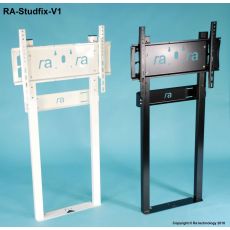 In Stock 95£396.00 £330.00RA-Studfix-V1-LL Wall to Floor Mount (Up to 65kg)In stockHeight Adjustable NoMax Weight 65kgMount Type Wall/FloorVESA Max 600x400VESA Min N/AWeight (kg) 0.00
Other suitable alternatives
-
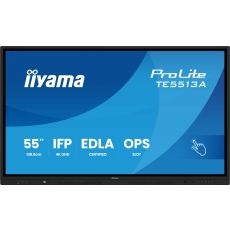 In Stock 5£1,094.40 £912.00iiyama TE5513A-B1AG 55" Touch ScreenIn stockBuilt-in PC OptionalCondition NewBuilt in Android YesOrientation Landscape OnlyResolution 4K Ultra HDTouch Points 40Touch Technology PureTouch-IR+Diagonal in Inches 55Aspect Ratio 16:9Weight (kg) 28.70