

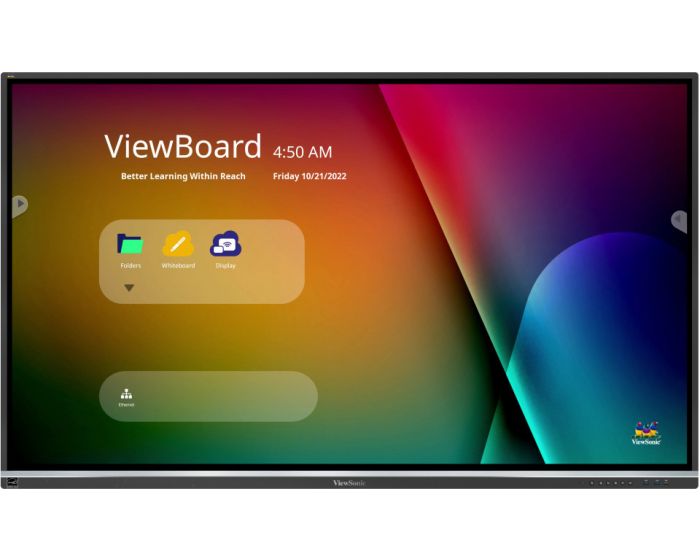
ViewSonic IFP5550-5 55" Touch Screen
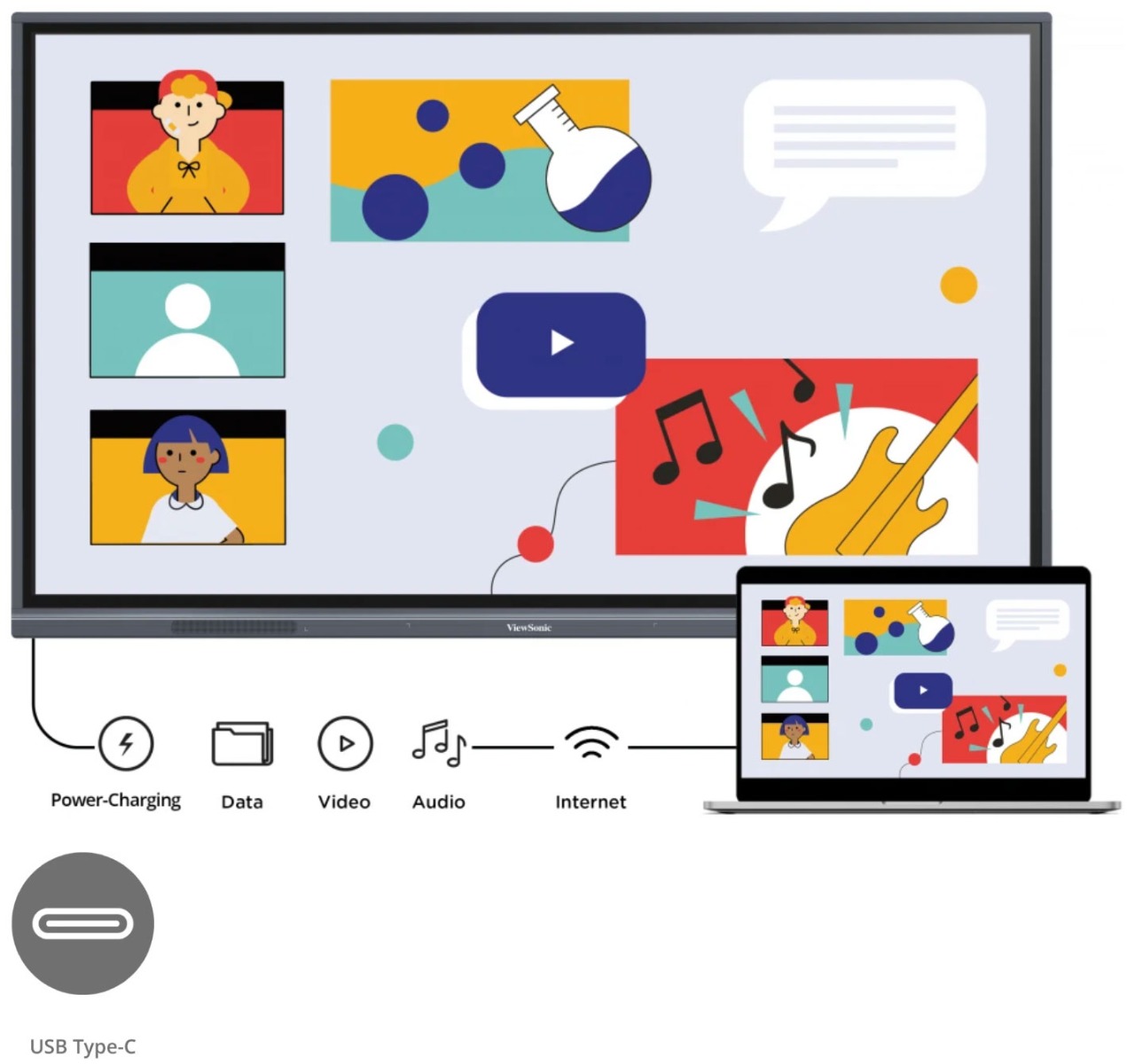
Designed with modern educators in mind, the ViewBoard® 50-5 Series offers an intuitive and interactive interface for a multi-user writing experience. With a single-cable USB-C for instant, worry-free connectivity, teachers can seamlessly plug-in and control their devices while continuing the lesson. Both students and educators enjoy smooth writing with Ultra Fine Touch Technology offering 40-point touch, and the dual-pen that comes in a range of colors and sizes. Rest assured you and your students' eyes are cared for and protected as the ViewBoard® 50-5 Series comes with Flicker-Free technology and an integrated TÜV certified blue light filter for all brightness levels. Fully integrated with the myViewBoard suite, the ViewBoard® 50-5 Series brings together hardware and software for a complete classroom solution. Compatible with a full line of accessories, the ViewBoard® 50-5 Series enables you to effectively teach with a variety of engaging tools.



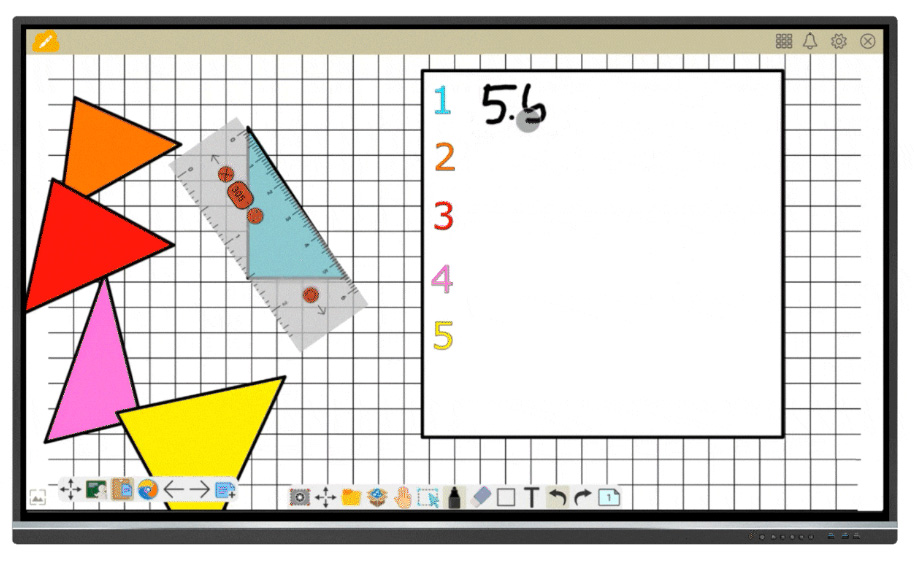 |
Teach your Way with myViewBoard Whiteboard Fully integrated with the myViewBoard suite and compatible across platforms, the ViewBoard empowers you to make the most of classroom time. Enjoy tailor-made tools, like pop quizzes, an immersive reader, digital spinners, and timers, for effortless lesson planning and activities no matter if you're teaching in the classroom or online. Students can use the ViewBoard which is split into up to six mini whiteboards, for enhanced learning through doing. Disclaimer: *The mini whiteboard features in Participate Mode is available on WhiteBoard for Windows. |
|
Quick Content Sharing for Multiple Attendees Make the most of your time in class and during staff meetings with ViewBoard Cast. This screen mirroring solution opens new sharing possibilities from any device with its split, extended, and grouped screen capabilities. As it also supports AirPlay and Chromecast, users can effortlessly share their screens at the same time. |
 |
 |
Efficient Remote Communication and Management Update, schedule, broadcast, and manage multiple displays simultaneously from any location via a secure, user-friendly remote management system. Streamline campus communication with multimedia messages, share text announcements, or set up emergency alarms. All thanks to myViewBoard Manager. Disclaimer: *Task scheduling and multimedia broadcast are available with the optional Manager Advanced license |
|
Performance and Safety with the Latest OS Enjoy powerful performance delivered by the ViewBoard 50-5 Series’ octa-core CPU, while ensuring all your data is safely protected with the Android 11 OS. This latest version is also compatible with more third-party apps, so you can access all your favorite services within a familiar environment. *Upgradeable to Android 13 |
 |
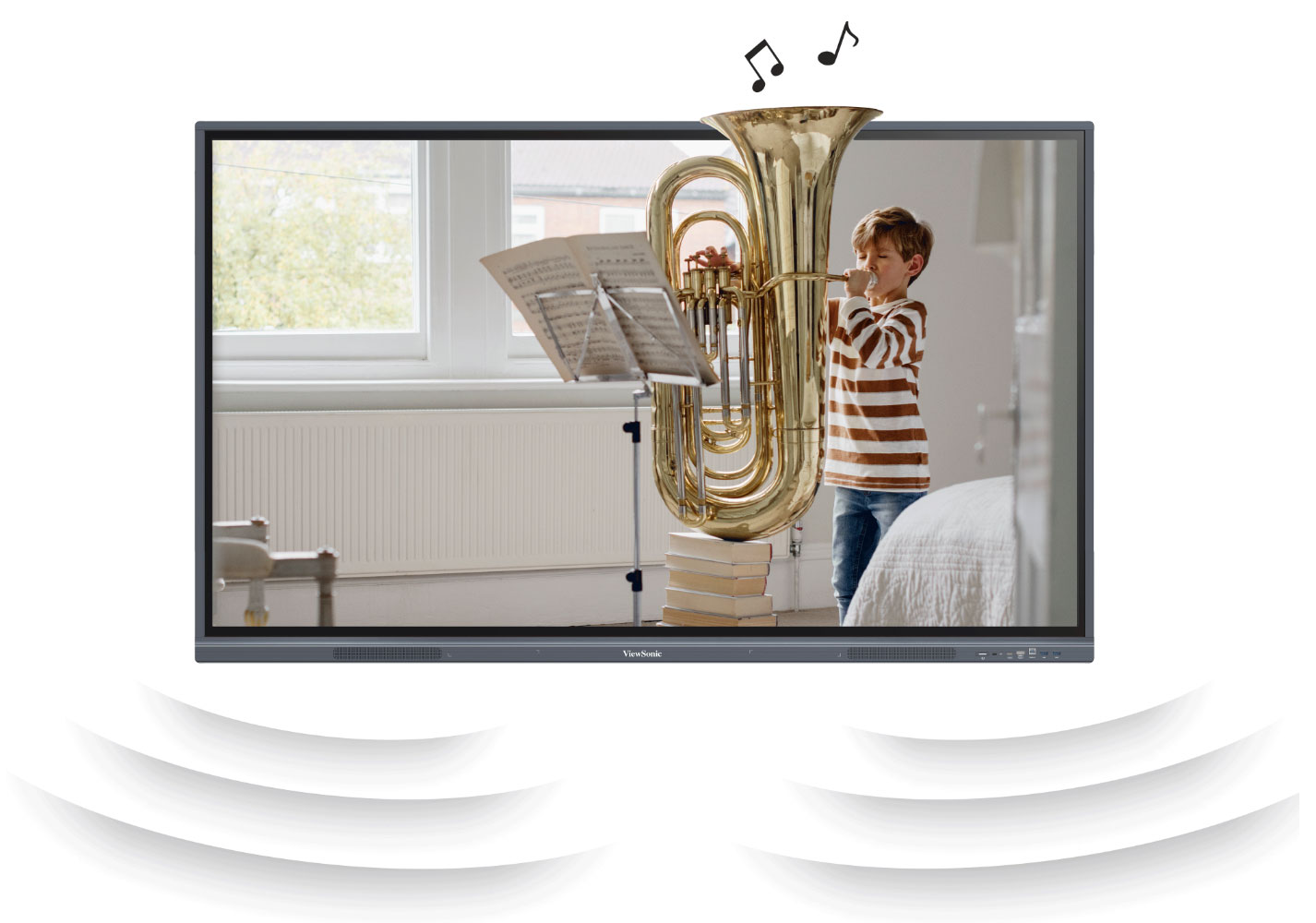 |
Immersive Audio for Captivating Lessons Boost student engagement and information retention thanks to immersive sound. Boasting two 15W speakers and a 16W subwoofer, the ViewBoard 50-5 Series magnifies music and videos with sound in unparalleled quality. |
|
Easy on the Eyes The ViewBoard® 50-5 Series employs the latest technology to safeguard the eyes of both children and adults, while not compromising on the high-quality visual experience. Flicker-Free Technology, TÜV-certified low blue light, and anti-glare coating work together to provide safe and comfortable use, all day long. |
 |
 |
Grow Green Committed to sustainability, ViewSonic is actively working to implement advanced energy efficiencies and eco-friendly concepts across product lines. The ViewBoard 50-5 Series meets energy consumption standards, is attentive to supply chain carbon emissions, and end-of-life management. It is also EPEAT bronze certified, making it a great environmentally friendly product. |
| Item | IFP5550-5 |
|---|---|
| Brand | ViewSonic |
| Weight (kg) | 26.400000 |
| Condition | New |
| EAN | 0766907019698 |
| Diagonal in Inches | 55 |
| Aspect Ratio | 16:9 |
| Built-in PC | Optional |
| Built in Android | Yes |
| Touch Technology | Infra Red |
| Touch Points | 40 |
| Resolution | 4K Ultra HD |
| Short Description | 5 Year Warranty |
Delivery Charges
Delivery Info & Rates for Mainland UK (Excluding Scottish Highlands & Remote Areas)
We can offer standard delivery on most items going to UK Mainland, not including Scottish Highlands or remote areas, and standard delivery will be an all-day service either within 1-2 working days or on the specified courier's delivery date for your postcode area. Standard delivery is also kerbside only but we can sometimes offer a 2-person delivery option and timed services, please contact us if you require this or require the screen on/by a specific date.
- Standard Delivery = £25 + VAT
- Free delivery available for most accessories & smaller items
- For special services or specific delivery dates please contact us for more information.
All deliveries are sent with 3rd party couriers and must be checked for external damage before signing/accepting the delivery, and then please notify us immediately. Please also check for any internal damage or faults and notify us within 1 week of delivery to allow us to get it swapped out on a 'Dead on Arrival' basis.
Delivery Info & Rates for Non-Mainland UK, Remote Areas & International Shipping
Please contact us for quotes and information on procedure and timeframes.
About Pre-School Panels
Choosing the Right Interactive Screen for Nursery Classrooms: A Deep Dive for Early Years Educators
If you’re part of an Early Years team—whether you're leading phonics sessions, managing story time, or supporting sensory play—you already know how important the right classroom tools are. But when it comes to technology, many nursery classrooms are still making do with dated setups: dim projectors, tangled wires, whiteboards that constantly need recalibrating, and remote controls that mysteriously disappear. Sound familiar?
It’s no surprise that more and more nurseries across the UK are replacing these old systems with something faster, brighter, and easier to use: interactive flat panel displays, often called interactive TVs for nursery classrooms. These touchscreen panels are intuitive, reliable, and genuinely child-friendly—but only if you choose the right one.
At Interactive Panels UK, we’ve helped hundreds of Early Years settings make the switch, and this guide is designed to share that real-world experience—no jargon, no hard sell, just helpful advice based on what works.
Why Projectors Don’t Cut It Anymore in EYFS
Let’s start with the obvious. Projectors were a breakthrough when they first arrived in schools, but in nurseries, they’ve become more hassle than help. You’ve probably had a bulb blow in the middle of a session or found yourself adjusting blinds just to make the picture visible. And there’s the constant battle with alignment, shadows, noisy fans, and cables that turn every session into a game of dodge-the-wires.
Interactive panels, on the other hand, solve all of that. They switch on in seconds. They’re bright even in full daylight. They don’t cast shadows, and they don’t need recalibrating. They're basically giant tablets—but mounted safely and designed for groups of curious, active children.
One Early Years practitioner told us that switching to a panel felt like upgrading from a flip phone to a smartphone overnight. That’s the difference in ease, speed, and daily usability.
What to Look for in a Nursery Interactive Screen
So, what separates a good interactive screen from a great one in an Early Years environment? The first thing is usability—both for children and staff. In EYFS, you need a screen that doesn’t require complicated menus or extra equipment just to do the basics.
The best panels we’ve seen in nurseries are intuitive. Children walk up and start exploring without needing instructions. The screen recognises multiple fingers at once—so several children can interact at the same time. It’s responsive, quick, and forgiving to the slightly chaotic style of Early Years play.
You also want to consider things like screen safety. Panels designed for classroom use come with toughened, anti-glare glass, and some—like the BenQ RP series—go even further, offering anti-bacterial coatings and TÜV-certified blue light filters. These features don’t just sound good in a brochure; they make a real difference to hygiene and eye comfort in a nursery where screens might be used several times a day.
Then there’s sound. Nursery activities often involve music, movement, or story playback, so weak speakers just won’t cut it. A quality panel should have loud, clear audio—something with enough bass that songs don’t sound tinny, and enough clarity for every child to hear from across the room.
And let’s not forget about mobility. In nurseries, your screen needs to be part of a flexible space. That’s why we usually recommend a height-adjustable trolley. You can lower the panel for floor time or raise it for group songs, and easily wheel it between rooms if needed. This kind of flexibility makes it a true teaching partner, not a fixed fixture.
How Touchscreens Support Learning in EYFS
Interactive screens aren’t just fun—they support key areas of development. For instance, dragging icons and tracing letters helps build fine motor control, while audio-visual tools support early phonics and language development. A child who struggles with verbal instruction might light up when shown a visual prompt on screen.
We’ve seen this first-hand. One nursery installed a BenQ interactive panel and used it to display a visual timetable every morning. Children could see what was coming next, point to their favourite activities, and even help staff "check off" tasks with a swipe. It built routine, reduced anxiety, and encouraged participation from even the quieter pupils.
Another nursery used their panel to create a calm zone—playing gentle music and displaying calming visuals in the sensory corner. Staff reported that children gravitated toward the screen during transitions or when they needed a bit of downtime.
And during phonics? Instant access to Jolly Phonics videos, drag-and-drop sound games, and interactive books made it easier for staff to keep sessions fresh and engaging—even without advanced IT skills.
What Devices and Software Do You Need?
Here’s the good news: most modern interactive screens are designed to work with the tech you already have. Whether your nursery uses staff iPads, shared laptops, or a mix of both, the right panel will let you cast content wirelessly or connect via USB-C or HDMI.
Brands like BenQ and Promethean also come with built-in whiteboarding apps, timers, media players, and screen recording—all included in the price. That means no ongoing software subscriptions, and no need to train staff on complex systems.
If you already use specific programs—like Google Drive for planning or online phonics tools—we can help you choose a panel that plays nicely with those platforms.
Which Interactive Panel Brands Work Best in Nurseries?
Every nursery is different, but over time we’ve found some clear winners:
BenQ panels tend to be the most popular for EYFS. They’re simple to use, packed with health-focused features, and incredibly robust. Staff love them because they feel intuitive, and children love them because they’re just fun to use.
Promethean screens are another excellent choice—especially if your nursery is part of a trust or shares resources with a primary school. The whiteboard software is very teacher-friendly, and the build quality is strong.
ViewSonic panels are ideal if you need great value without compromising performance. If you’re equipping multiple rooms, they offer a solid balance of features and cost.
We’re happy to compare models with you—and we’ll explain the real differences in terms that make sense.
Installation and Aftercare
Installation matters. You want your panel set up safely, at the right height, with tidy cables and no risk to children or staff. We install interactive panels across the UK, and for nurseries, we usually recommend a mobile trolley with height adjustment to allow for maximum flexibility.
Our team handles everything—from delivery and setup to staff walkthroughs and ongoing support. We’ll also help you decide where to place the screen for best visibility, especially during group time or open play.
Want the Best Price? Here’s How It Works
There’s something called manufacturer bid pricing, and it can save your nursery a lot of money.
Here’s how it works: when you get in touch with us and request a specific panel, we log your interest with the manufacturer. If you’re the first in your area to do so, they’ll often offer us a discounted “first bid” price. We then pass that saving directly to you—no catch, no hidden costs.
This works especially well if you're looking to buy more than one screen or if you're part of a trust looking to roll out across sites.
Can You Try It First?
Yes—and we strongly recommend it.
We offer live demos online, in-person visits (depending on location), and in some cases, short-term loans of demo panels so your staff can test them out during real lessons with your children.
This helps your team feel confident and lets you see what the screen is like in action—not just in theory.
Final Thoughts
Nursery life moves fast. You need classroom tools that support your pace, not slow you down.
A well-chosen interactive panel can become part of your everyday teaching—making routines smoother, sessions more engaging, and learning more inclusive. Whether it’s modelling letter sounds, calming sensory time, or giving children a chance to share their thoughts on screen, these panels truly support learning in a way that feels natural.
At Interactive Panels UK, we know that nurseries aren’t just “smaller schools.” They have different rhythms, different challenges, and different needs. That’s why we take the time to listen, offer honest guidance, and support you from the first quote to final installation.
If you’re ready to make the switch—or just want to explore your options—we’re here to help.
- Call us on 0800 066 8150
- Email us for a personalised quote or manufacturer bid
- Book a free demo and see what fits your classroom
Let’s get started—on your terms, at your pace.

We recommend
-
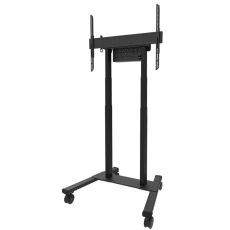 In Stock 18£882.00 £735.00Neomounts Motorised Mobile TV Stand (Up to 110kg or 100")In stockHeight Adjustable YesScreen Size 37-100"Max Weight 110kgMount Type MobileVESA Max 800x600VESA Min 100x100Weight (kg) 0.00
 -
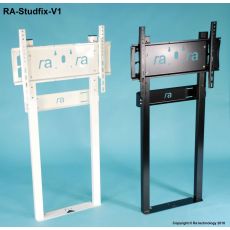 In Stock 95£396.00 £330.00RA-Studfix-V1-LL Wall to Floor Mount (Up to 65kg)In stockHeight Adjustable NoMax Weight 65kgMount Type Wall/FloorVESA Max 600x400VESA Min N/AWeight (kg) 0.00
Other suitable alternatives
-
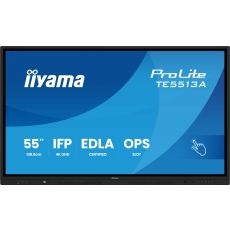 In Stock 5£1,094.40 £912.00iiyama TE5513A-B1AG 55" Touch ScreenIn stockBuilt-in PC OptionalCondition NewBuilt in Android YesOrientation Landscape OnlyResolution 4K Ultra HDTouch Points 40Touch Technology PureTouch-IR+Diagonal in Inches 55Aspect Ratio 16:9Weight (kg) 28.70