
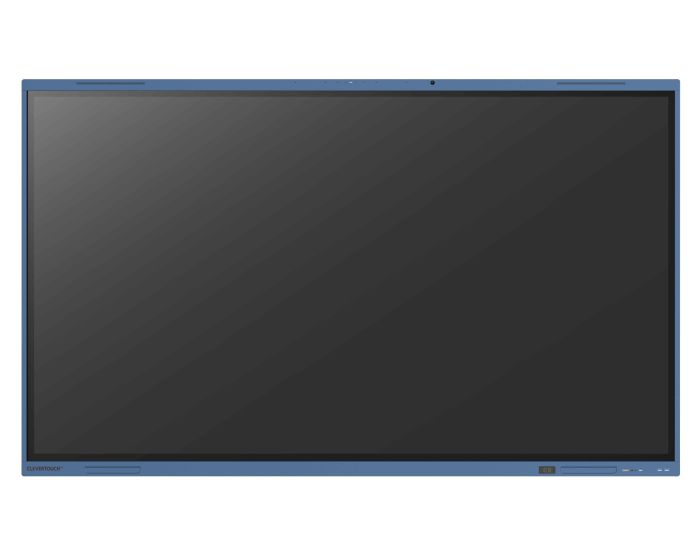
Clevertouch Impact Lux for Enterprise 65" Touch Screen

Clevertouch are one of the top manufacturers for touch screens. Give us a call and find out how much you can save! Introducing the LUX for Enterprise, the latest interactive display by Clevertouch, designed specifically for enterprise environments. This cutting-edge display combines advanced features with seamless integration, empowering teams to communicate and collaborate in the way they prefer to work.
Google Certified
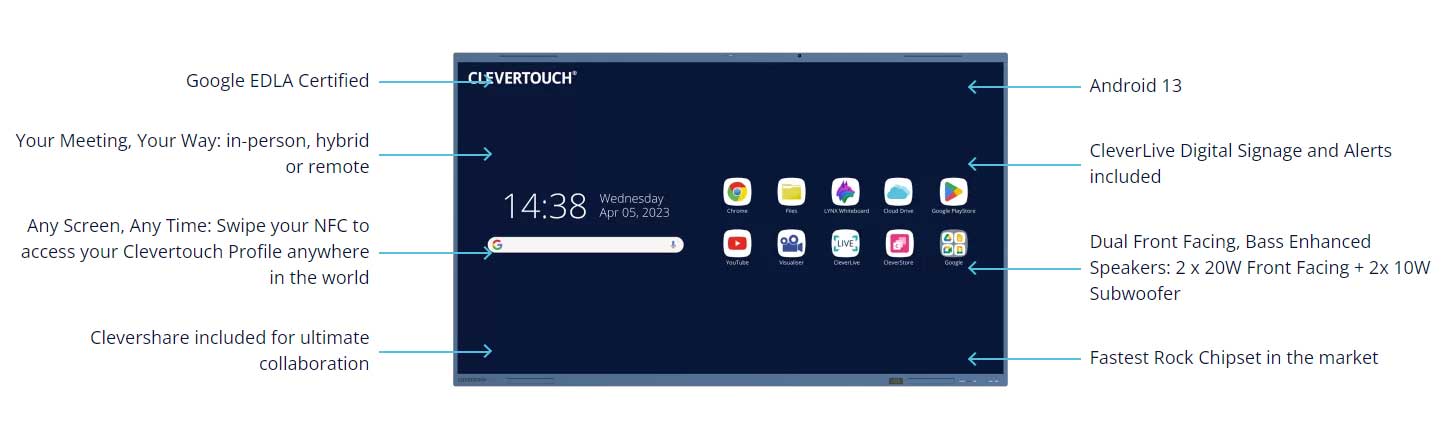
One of the standout features of the LUX for Enterprise is its Google EDLA Certification, enabling access to all of the apps in the Google Play Store. This includes popular collaboration tools like Microsoft Teams and Google Workspace, allowing users to leverage the full capabilities of these platforms directly from the display. Whether you use Google Drive, Docs, Sheets, Slides, or prefer Microsoft Word and PowerPoint, the LUX for Enterprise supports it all.
What is EDLA?
EDLA stands for Enterprise Device License Agreement, and it is a program by Google that provides a set of advanced security features for Android devices. These features include data encryption and device management tools, among others.
Advanced security protection
EDLA-certified devices offer a range of security features such as password protection, two-step authentication, data encryption, and others. These features help prevent unauthorised access to your device and data, and allow you to remotely wipe or lock your device in case of theft or loss.

Your Meeting, Your Way
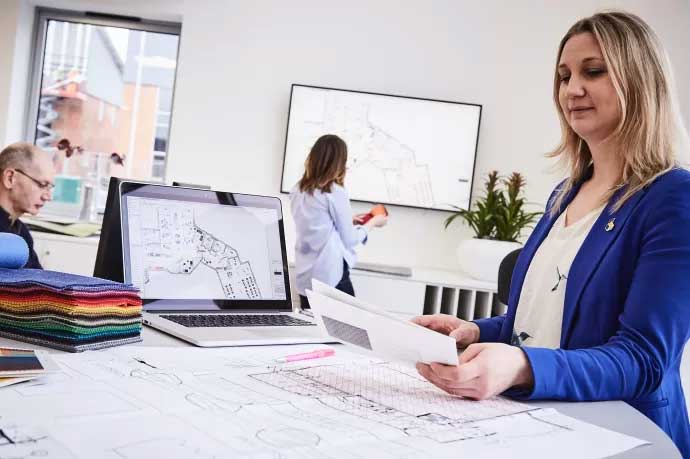
LUX for Enterprise embraces the concept of "Your Meeting, Your Way.", catering to different collaboration scenarios, from in-room collaboration to hybrid meetings and virtual meetings. With this display, teams can work together effectively, regardless of their physical location. Distance is no longer a barrier as LUX for Enterprise enables collaboration with teams wherever they are.
|
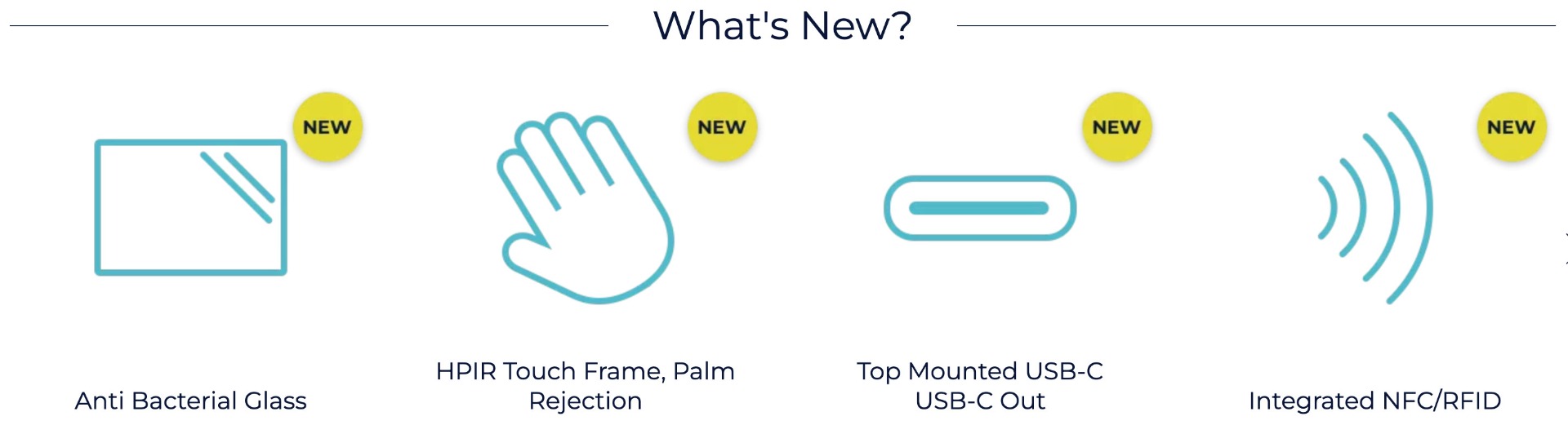
Any Screen, Any Time With integrated NFC (Near Field Communication), users can effortlessly load their personal profiles on any compatible Clevertouch display worldwide. Simply swipe a fob, card, or compatible device to access your customised settings and preferences, ensuring a personalised experience every time you use a Clevertouch device. |
 |
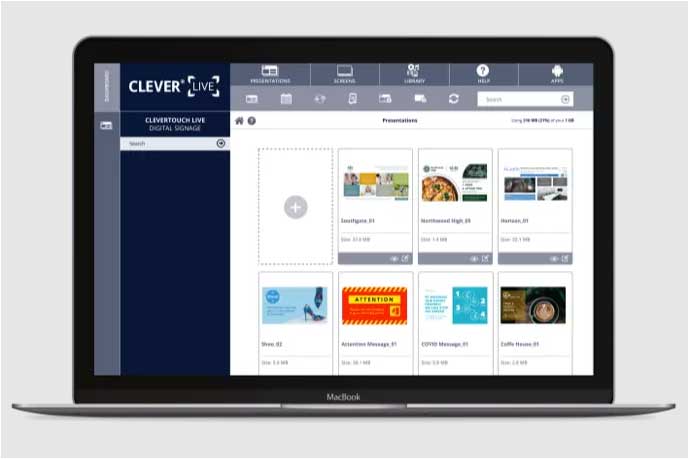 |
Totally Cusomisable Experience LUX for Enterprise takes customisation to the next level, allowing you to tailor it to your specific needs. It comes with an inbuilt Android system and an optional Intel Windows 10 PC, giving you the flexibility to choose the operating system that works best for your organisation. This ensures compatibility with your existing infrastructure and provides the security features necessary in today's workplace. Personalisation We understand the importance of branding and personalisation, and with CleverLive, you can create custom screensavers tailored to your organisation's unique identity. Whether it's displaying your logo, promotional content, or captivating visuals, CM Pro lets you make a lasting impression on your audience even when it's not actively in use. |
|
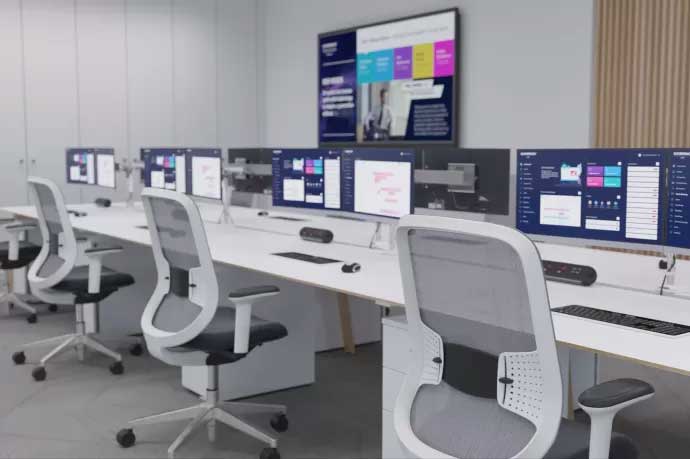
One-touch alerts In emergency situations, every second counts. LUX for Enterprise is equipped with a built-in alert system that allows you to instantly broadcast important messages to your audience with just a single touch. Whether it's notifying employees of an evacuation, providing safety instructions, or disseminating critical information, LUX for Enterprise ensures that your messages are delivered quickly and effectively, helping you keep everyone informed and safe, either by using a connected computer, tablet or mobile phone. |
 |
| Item | 15465IMPACTLUXENT |
|---|---|
| Brand | Clevertouch |
| Weight (kg) | 37.900000 |
| Condition | New |
| Diagonal in Inches | 65 |
| Aspect Ratio | 16:9 |
| Built-in PC | Optional |
| Built in Android | Yes |
| Touch Technology | Infra Red |
| Touch Points | 50 |
| Resolution | 4K Ultra HD |
Delivery Charges
Delivery Info & Rates for Mainland UK (Excluding Scottish Highlands & Remote Areas)
We can offer standard delivery on most items going to UK Mainland, not including Scottish Highlands or remote areas, and standard delivery will be an all-day service either within 1-2 working days or on the specified courier's delivery date for your postcode area. Standard delivery is also kerbside only but we can sometimes offer a 2-person delivery option and timed services, please contact us if you require this or require the screen on/by a specific date.
- Standard Delivery = £25 + VAT
- Free delivery available for most accessories & smaller items
- For special services or specific delivery dates please contact us for more information.
All deliveries are sent with 3rd party couriers and must be checked for external damage before signing/accepting the delivery, and then please notify us immediately. Please also check for any internal damage or faults and notify us within 1 week of delivery to allow us to get it swapped out on a 'Dead on Arrival' basis.
Delivery Info & Rates for Non-Mainland UK, Remote Areas & International Shipping
Please contact us for quotes and information on procedure and timeframes.
About Clevertouch
How to Choose the Right Clevertouch Display for Education and Business
Selecting the appropriate Clevertouch interactive display begins with understanding your audience, environment, and day-to-day use cases. Whether you're investing in screens for early years classrooms, corporate meeting rooms, or secure public sector spaces, the right combination of size, software, and features can dramatically enhance collaboration and learning outcomes.
Education: What to Choose by Age Group
In Early Years (ages 3–5), opt for a 55" to 65" display, low-mounted for floor-seated interaction. Panels should be highly intuitive, antimicrobial, and feature robust multi-touch input. The Clevertouch X5 is ideal here, offering 40-point touch, Android 14, and Google EDLA certification for safe and simplified use.
Key Stage 1 pupils (ages 5–7) are best served by a 65" display. At this stage, children transition to more structured learning with light content casting and group activities. A responsive panel like the IMPACT Max 2—with 4K resolution, Android 13 OS, and integrated microphones—supports vibrant, immersive learning experiences.
In Key Stage 2 (ages 7–11), content becomes more complex, and classroom sizes increase. A 65" to 75" display like the IMPACT Max 2 ensures sharp visuals and seamless casting from student devices, ideal for science, maths, and project-based learning.
Secondary students in Key Stage 3 & 4 (ages 11–16) require larger displays—typically 75" to 86"—with the power to support more interactive apps and multi-device inputs. The IMPACT Lux 2, with EDLA certification, palm rejection, and WiFi 6E, is purpose-built for high-level academic content and integrated digital learning.
Sixth Form and Further Education settings (ages 16–19) benefit from seminar-style setups and independent study, where 75" to 86" displays with split-screen features, annotation tools, and student-led content sharing become essential. The IMPACT Lux 2 offers all of this, alongside an upgrade path to Android 15 and secure NFC login.
To explore the best model for your school, book a demo or contact us for a tailored bid price that could save you hundreds—especially if you're equipping multiple rooms. Leasing options are also available to help you spread costs over time.
Business: Recommendations by Sector
Corporate teams need interactive displays for hybrid meetings, workshops, and project planning. A 65" to 86" panel suits most boardrooms. The IMPACT Lux 2 supports Microsoft Teams, Zoom, and Google Meet, with NFC login, annotation tools, and secure file handling for multi-user collaboration.
Government and public sector offices typically use 65" to 75" displays where security, remote management, and clarity are critical. The IMPACT Secure model is engineered for restricted environments, enabling data protection and compliance in sensitive contexts.
Healthcare organisations benefit from 55" to 65" displays in training areas, wards, and consultation rooms. Panels must be easy to clean and quick to operate. The Clevertouch X5 offers a user-friendly interface and long-term durability, making it suitable for these fast-paced environments.
Manufacturing and industrial settings require robust displays with strong visibility in open spaces and the ability to connect to data dashboards or visual workflows. The IMPACT Max 2, with 4K clarity and simple remote casting, suits control rooms, staff areas, and training spaces.
In retail and hospitality, 55" to 75" panels serve front-of-house as signage or self-service stations, as well as back-office team hubs. The CL Touch Totem is particularly suitable for high-traffic areas, offering bright, responsive interaction for digital welcome boards, menus, or concierge interfaces.
If you're deploying across multiple departments or locations, request a bid price to unlock significant volume discounts. Leasing plans can help align purchases with your fiscal cycle, and you can test models by booking a demonstration at our Clevertouch demo suite.
Purchasing Strategy and Next Steps
Whether you’re specifying displays for a primary school or equipping a multi-floor business, the right Clevertouch display delivers measurable benefits in engagement and efficiency. Ask our team for a bid quote to save hundreds per panel, explore leasing to balance cash flow, or arrange a live demonstration to experience features before purchase. We support single-unit deployments, site-wide rollouts, and everything in between.
Contact us now to discuss your needs—we’ll match you to the right Clevertouch display for your sector, space, and budget.
